Which Sprunki build to start with
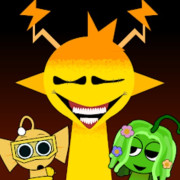
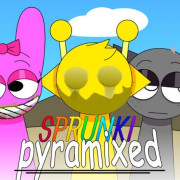
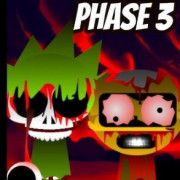
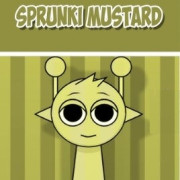
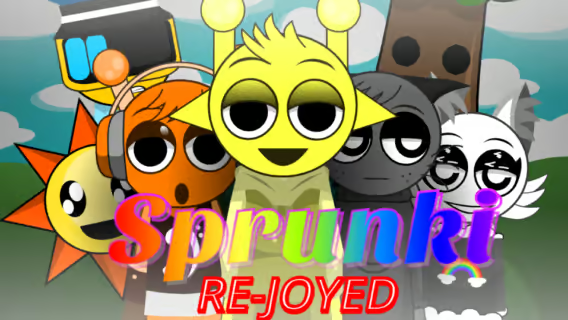
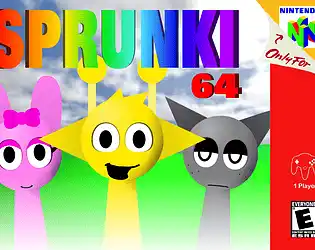
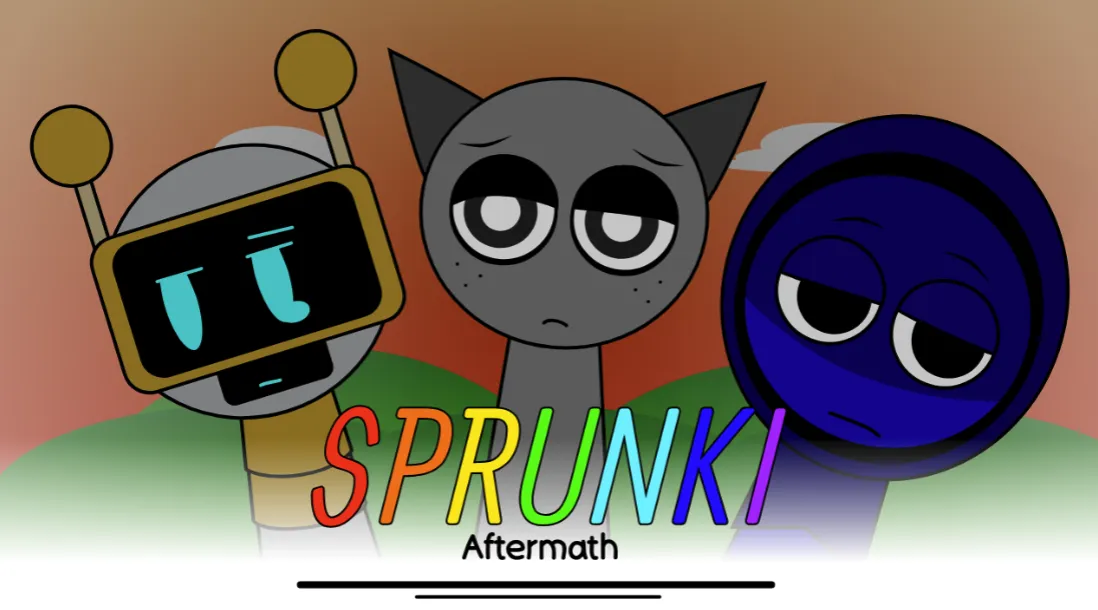
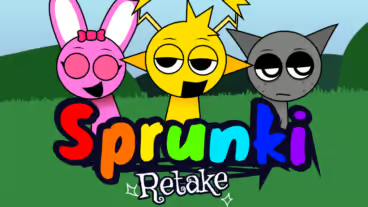
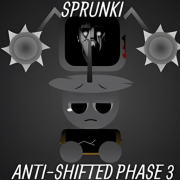
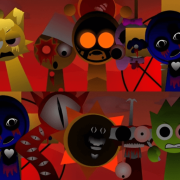
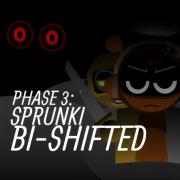
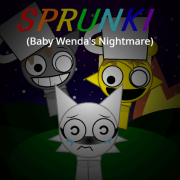
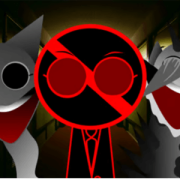
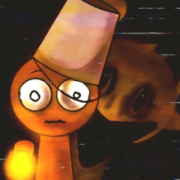
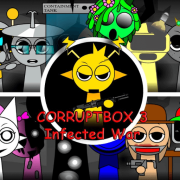
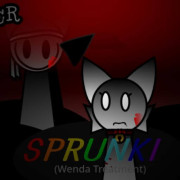
Sprunki Game: Sprunki Game is a drag-and-drop Sprunki music mod focused on character roster, sound tray, and visual state. Sprunki Retake: Sprunki Retake is a Retake remix focused on horror mood, darker character roster, sound tray, and horror state. Sprunki Pyramixed: Sprunki Pyramixed is a Pyramixed remix focused on pyramid theme, Pyramixed character roster, sound tray, update label, and visual theme. Sprunki Phase 3: Sprunki Phase 3 is a numbered Phase variant focused on phase number, character order, sound tray, and phase selector behavior.
Start the Embedded Game
Open a Sprunki game page, press Play Now, and keep the tab active while the player loads. Some games show a second start button inside the play area, so click the inner Play, Start, or canvas prompt if the first screen is still waiting.
Why does the game need a click?
Browser games often block audio until the player interacts with the page. The first click opens the player, and the second click may unlock sound or start the game.
When should I use fullscreen?
Use fullscreen if the sound tray, phase selector, or FNF chart is cramped. It also makes small start buttons easier to hit on mobile and laptop screens.
Playing Sprunki on a Phone or Tablet
The same game pages work on a touch screen, but three things behave differently and knowing them saves the most common confusion. First, the poster: on a small screen the stage is short enough that the art covers it while the build loads, so a tap anywhere lifts it and starts the build even if it has not painted yet. Second, orientation: a music mixer needs horizontal room for the cast and the sound tray, so the player offers a landscape control on the frame - use it rather than fighting a portrait window. Third, audio: browsers only allow sound after a real touch, so if a mix looks like it is running but you hear nothing, tap the stage once.
Why does the poster stay up on my phone?
The build is loading. Tap the stage to start it anyway - the tap both lifts the poster and gives the game the interaction browsers require before they allow audio.
Should I use headphones?
Worth it for mixing. Phone speakers hide the low layers that the percussion and bass parts sit in, so a mix that sounds thin in a room can sound correct in headphones.
Does every build work on a phone?
Most do. A few desktop-only builds run poorly or not at all on mobile; if a game opens and stays black after a tap, use one of the related games on the same page instead of assuming your phone cannot play Sprunki.
Drag and Drop Sounds
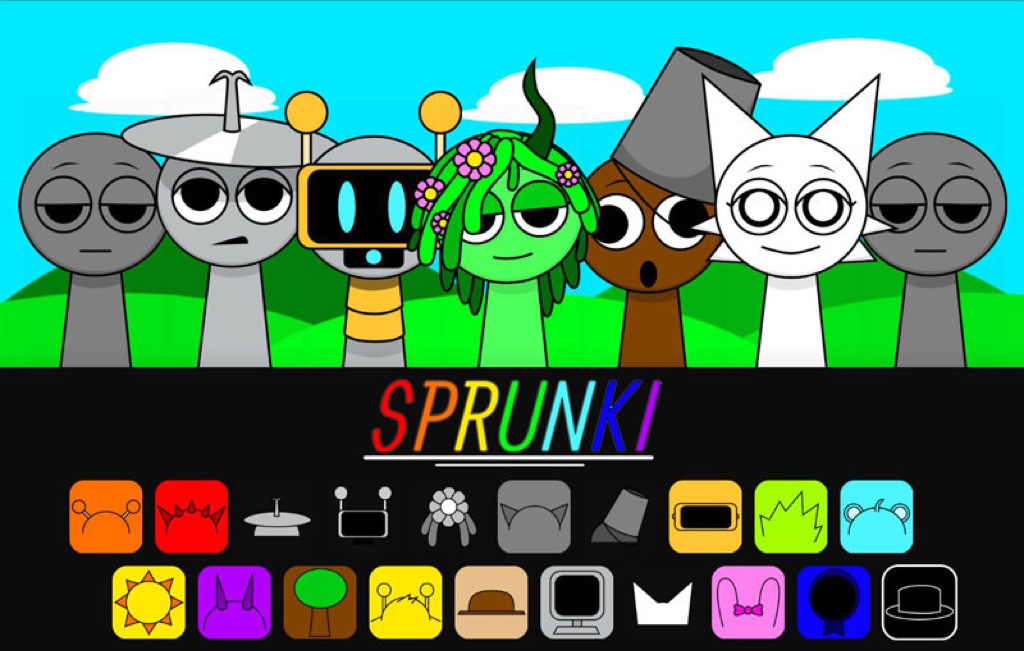
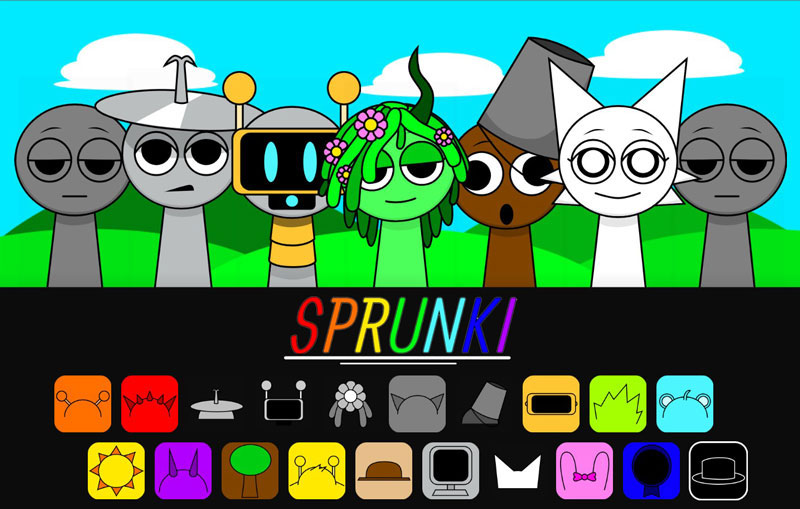
For standard Sprunki music mods, choose character icons and drag them onto the stage to layer beats, effects, melodies, and vocals. Remove or swap icons to compare loops, then listen for combinations that change animation, mood, or character state.
What should beginners try first?
Start with one beat, one effect, one melody, and one vocal. Add sounds slowly so you can hear what each character contributes.
Do all Sprunki games use drag and drop?
No. FNF crossovers, clickers, merge games, 3D spin-offs, and arcade pages may use keyboard, mouse, or button controls instead of the classic music tray.
Compare the Version
After the first loop plays, check the title, character roster, icon order, background art, phase controls, and whether the page is normal, horror, Retake, Pyramixed, Treatment, Mustard, shifted, or an FNF crossover.
Why compare versions?
Many Sprunki pages share similar names. Version checks stop you from treating a remake, shifted version, or character treatment as the same game.
What if the game stays blank?
Wait a few seconds, try fullscreen, reload once, then move to a related game if the player still has no canvas, image, audio, or start prompt.
Fix Sound and Loading Problems
If you hear nothing, click inside the game once: browsers keep audio muted until you interact with the page, and iPhones also stay silent while the ring switch is on silent. If the stage stays black, press Reload under the player. Some builds need WebGL, which older phones and managed school laptops often switch off, so a different related game may work where this one does not. On a phone, Landscape gives the sound tray more room.
Why does the game work on my laptop but not my phone?
Larger builds need more memory and graphics support than many phones allow. Try a lighter related game, close other tabs, or switch to landscape before loading.