Sprunki Guides
Practical guides for playing Sprunki, understanding phases, choosing mods, and exploring Horror Mode.
Use guides when the game is not obvious yet
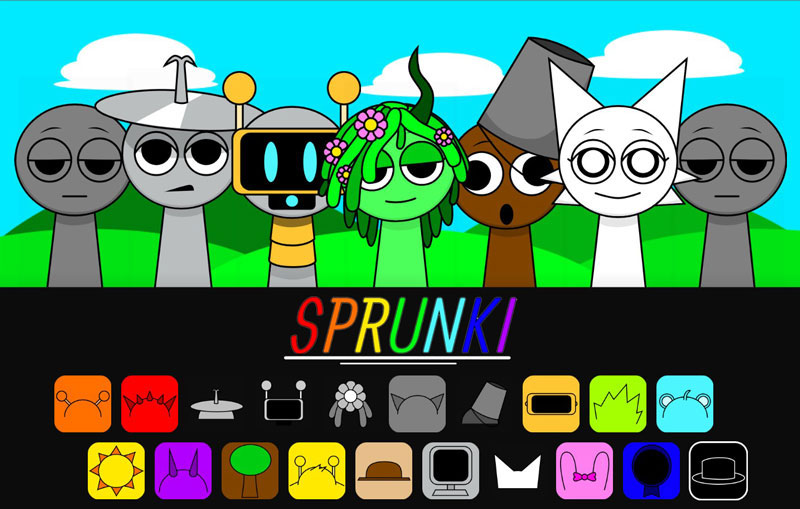
Use these Sprunki guides before you waste time opening the wrong mini-game. Start with What Is Sprunki? if you need the basic idea: drag icons, build beats, effects, melodies, and vocals, then listen for how the loop changes. Move to How to Play Sprunki when you need first click, audio unlock, fullscreen, drag-and-drop controls, or mobile play help.
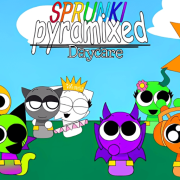
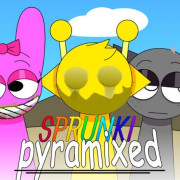
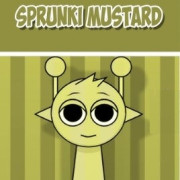
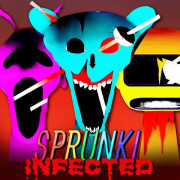
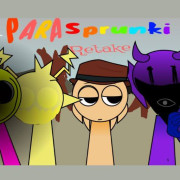
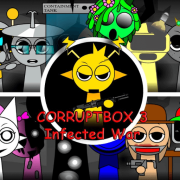
If you already know how the basic sound tray works, use Best Sprunki Mods to choose by play value: Retake for darker mood, Pyramixed for update-heavy visuals, Mustard for quick color remix comparison, Treatment for character transformation, Horror for infected states, and FNF crossovers for song chart timing and opponent art.
What a useful Sprunki guide should tell you
A good guide should tell you what changes when you press play: the controls, sound tray, character roster, phase selector behavior, visual theme, and whether the page is a normal music mixer, rhythm-game crossover, arcade spin-off, or lore-heavy fan version. That keeps the explanation tied to what the player actually sees.
Read them in this order
Two guides answer most first visits. What Is Sprunki? explains the loop itself, and How to Play Sprunki covers the practical blockers: audio that needs a click before it starts, dragging icons onto empty slots, fullscreen, and the difference between a phone and a desktop tray. Everything else assumes you can already make a loop play.
After that the guides split by intent. Best Sprunki Mods is for choosing what to open next. Sprunki Phases Explained is for understanding why the phase numbers behave the way they do, and the family guides for Retake, Pyramixed, and Horror Mode explain one family each, including how to tell whether the build you opened is the version the title promises.
When a guide is the wrong page
Guides explain mechanics and families; they are not a substitute for a game page. If you already know which build you want, open the game page instead, because the playable frame and the version notes sit at the top there. If your question is about one character rather than how the game works, the character pages answer that faster, and the wiki index collects every topic in one place.
Checking that you opened the version you wanted
Fan uploads are replaced quietly, so the title on a page and the build behind it can drift apart. Three checks catch most mismatches: the roster on the start screen should match the character names the page lists, the sound the tray produces should match the family the page describes, and the version words in the title, such as Definitive or Remastered, should appear somewhere in the build itself. If none of the three match, you are probably looking at a different upload of a similar name, which is exactly the confusion the family guides exist to remove.
Reading a guide while the game is open
These guides are written to be used with a build running, not memorised beforehand. Open the game, let it reach its start screen, then keep the guide in a second tab: the instructions refer to what should be on screen, so checking them in the moment is faster than trying to picture the tray from a description. If a step does not match what you see, stop there and treat the mismatch as information, because the build may be a version the guide does not describe, and the game page's own version notes are then the better reference.