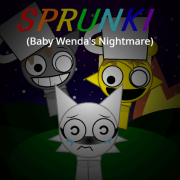
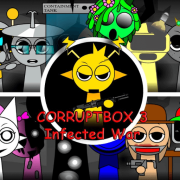
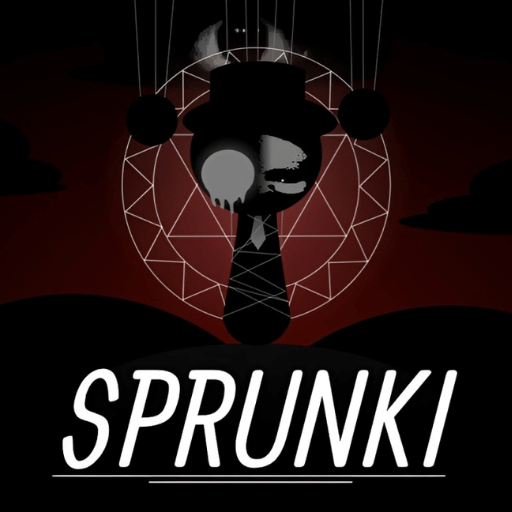
Sprunki Phases
Phase articles for Sprunki unlock questions, numbered phase mods, Swapped Retextured variants, and related playable browser games.
Pick a phase by what changes on screen
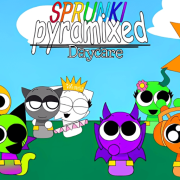
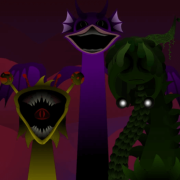
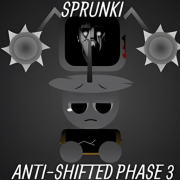
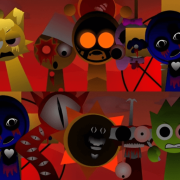
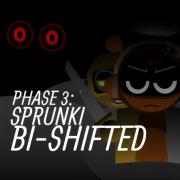
Sprunki phases are useful when you want to see a version jump, not just read a number. Start by comparing Sprunki Phase 3, Sprunki Phase 4, Sprunki Phase 5, and remastered or definitive edits through the playable screen. The important difference is usually the phase number, character order, sound tray, background state, and phase selector behavior.
A phase title does not guarantee every later state is reachable. Some builds show Phase 4 directly, some hide it behind a button, and some only include earlier assets even when the name sounds close. Treat unlock claims as game-specific: if the playable version has no phase selector, no matching character order, and no visible unlock control, there is no reliable universal shortcut for that page.
What to check before staying on a phase page
Look at the start screen, icon order, horror state, sound categories, and whether later phases are actually reachable after the first click. If two phase pages use similar names, stay with the one whose canvas, title text, controls, and related games make the version difference obvious.
The best phase page gives you a clear reason to keep playing: a visible roster change, a new sound mix, or a phase jump you can actually trigger.
Why the phase numbers jump around
Phase numbering is a fan convention, not a release schedule, so the sequence is not arithmetic. Numbers skip, decimals sit between whole numbers, and the same number is reused by different creators for different builds. Some pages carry extra words such as Remastered, Definitive, or Alive to describe a re-release by the same creator, and those words are not standardised either. Reading the number as "roughly how far along the fan sequence this build sits" is more reliable than reading it as a version number.
Phases this site describes but does not host
Not every phase number has a build that runs properly in a browser player here. Where a version would not start or would stall, the page explains what the build is and points at the phase games that do work, rather than embedding a player that leaves a blank stage. Phase 6 is the clearest example on this site: it is one of the most requested numbers and the builds tested for it did not run reliably, so it is documented and the playable alternatives are listed next to it.
Which phase to open first
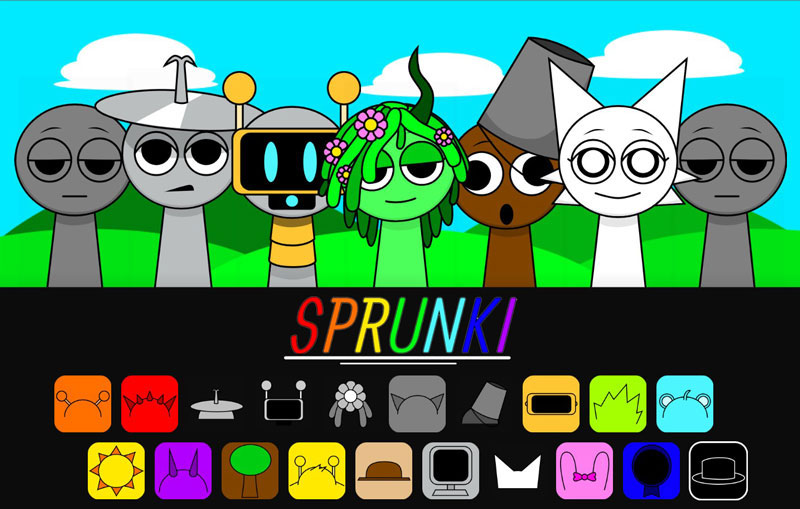
Open Phase 1 or Phase 1.5 if you want the original look before any redesign, because later builds assume you already know that baseline. Phase 3 is the most recognisable redesign and the safest first phase to compare against. Phase 5 is the better choice when you care about the sound set drifting away from the original cast. The Definitive and Re-Animated re-releases are the ones to open when you want the same phase with cleaner presentation, and the very high numbers are worth treating as experiments rather than milestones.
If a phase page leaves you unsure what to play next, use the related games directly underneath it: those are the builds that share the phase treatment, so the comparison stays inside one idea instead of jumping families.
Phases and Horror Mode are not the same axis
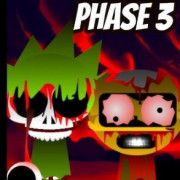
Two different things get called by numbers, and mixing them up is the most common source of confusion. A phase is a fan build: a separate release that redraws the cast and swaps the sound set. Horror Mode is a state inside a build, reached by placing a particular character on the stage, and fan pages often number that state as Phase 2 because it was the second thing players noticed. So a build can be Phase 5 and contain Horror Mode at the same time, and a page labelled Phase 2 may be describing the switch rather than a separate release. When a page seems to contradict another about what a number means, check whether one of them is talking about the state and the other about the release, and if both are describing a release, compare the rosters rather than the titles.