Characters · 10 min read
Best Sprunki Character Combos and Vocal Pairings
Ten battle-tested 7-slot Sprunki character combos for Normal and Horror Mode in 2026 — exact Beats, Effects, Melodies, and Vocals pairings that lock together cleanly without midrange mud.
Test these 7-slot character combos live in Sprunki Pyramixed 2
Sprunki Pyramixed 2 gives you crisp separation between percussion, bass effects, melodies, and vocals so you immediately hear why balanced seven-slot combos outperform random character stacks. Try Recipe #1 or #4 from the searchable table below right inside this player.
Rotate your phone for landscape play
S P R U N K I · W I K I
Warming up the beat…
Loading game...
Sprunki Pyramixed 2
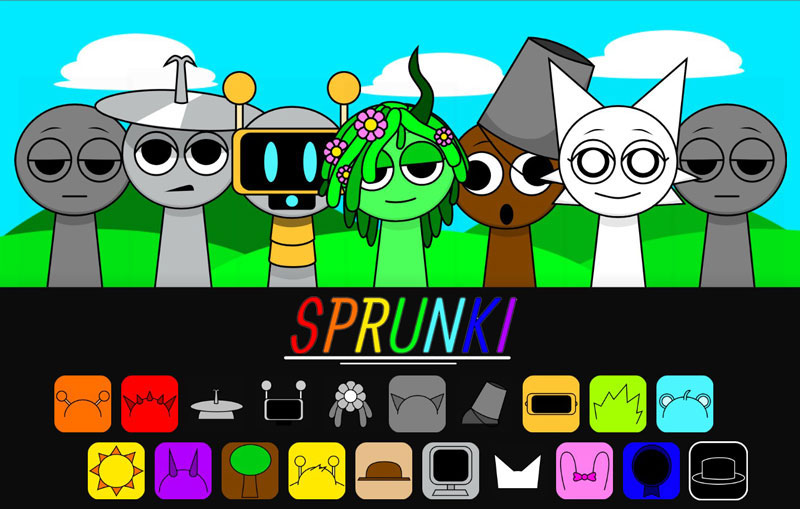
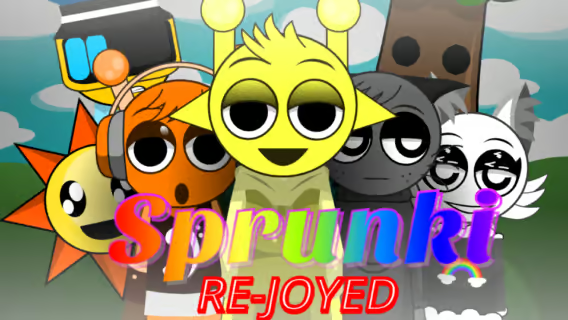
Every combo below uses the canonical 20 performers so you can transfer the same 7-slot recipes across Classic Sprunki, Retake, Phase 3, and Pyramixed.
The short version
- Total tested 7-slot recipes included
- 10 proven combos (5 Normal Mode, 5 Horror Mode)
- Golden Normal Mode split
- 2 Beats + 1 Effect + 2 Melodies + 2 Vocals
- Golden Horror Mode split
- 2 Beats + 2 Effects + 1 Melody + 2 Vocals
- Strongest vocal contrast duo
- Pinki (bright soprano) + Jevin (low resonant bass choir)
- Fastest way to clear midrange mud
- Avoid stacking more than two Melodies or three Vocals simultaneously
Why specific Sprunki character combos sound twice as clean as random picks
Every one of the twenty original Sprunki characters occupies a specific frequency neighborhood in the mix. Oren and Fun Bot punch in the low kick pocket, Clukr and Vineria shimmer in the upper percussion band, Gray and Garnold carry sub-bass weight, and Pinki and Jevin sit at opposite ends of the vocal register. When you combine characters that live in separate frequency lanes, all seven slots sound wide, punchy, and studio-clean.
Conversely, stacking characters from the same sonic pocket — such as placing Mr. Sun, Durple, Simon, and Mr. Tree together with two aggressive vocals — causes instant midrange masking. Your ears stop hearing individual melodies and only register crowded noise. The ten combos below solve that problem by pairing complementary lows, mids, highs, and rhythmic rhythms in both Normal Mode and Horror Mode.
- Pair one low-end Beat (Oren or Fun Bot) with one crisp high-hat/shaker Beat (Clukr or Vineria).
- Never stack Gray, Garnold, and Jevin together without a sharp high-frequency Beat to cut through the bass.
- Contrast vocal registers: pair high melodies or Pinki with low choir anchor Jevin instead of crowding the same pitch.
- Drop Black last when performing live so you experience the full seven-slot transformation in real time.
10 Proven 7-Slot Sprunki Character Combo Recipes (Searchable)
Filter the recipe table below by mode (Normal or Horror), character name (such as Wenda, Pinki, Gray, or Jevin), or mod family to pick your next seven-slot lineup.
| Combo Name | Mode | Exact 7-Character Lineup | Group Split (B-E-M-V) | Why It Locks Together |
|---|---|---|---|---|
| 1. Sunny Pop Starter | Normal | Oren, Clukr, Gray, Mr. Sun, Durple, Pinki, Mr. Fun Computer | 2-1-2-2 | Crisp kick + cymbal pocket leaves wide open space for piano, brass, and playful call-and-response vocals |
| 2. Retro Chiptune Bounce | Normal | Fun Bot, Vineria, Garnold, Simon, Mr. Tree, Mr. Fun Computer, Pinki | 2-1-2-2 | Electronic synth drums and 8-bit Simon hook create an upbeat arcade groove with zero bass mud |
| 3. Sunset Chill Lo-Fi | Normal | Oren, Vineria, Sky, Tunner, Mr. Sun, Pinki, Jevin | 2-1-2-2 | Soft maraca rhythm, Sky music-box sparkle, and Tunner whistle float over Jevin's warm low vocal hum |
| 4. Brass & Percussion Drive | Normal | Raddy, Clukr, Brud, Garnold, Durple, Simon, Wenda | 2-2-2-1 | Snare-heavy Raddy beat and quirky cowbell/synth bass lift Durple's bold trumpet riff and Wenda's rhythmic chops |
| 5. Choir Harmony Showcase | Normal | Fun Bot, Clukr, Gray, Mr. Sun, Tunner, Pinki, Jevin | 2-1-2-2 | Soprano-and-bass vocal duet framed by tight cymbals and clean piano chords |
| 6. Clean Horror Tension | Horror | Fun Bot, Clukr, Gray, Sky, Tunner, Jevin, Black | 2-2-1-2 | Steady robotic pulse and stark Gray/Sky horror drones frame Tunner's eerie whistle and Jevin's dark chant |
| 7. Wenda Glitch Rush | Horror | Oren, Raddy, Gray, OWAKCX, Simon, Wenda, Black | 2-2-1-2 | Heavy industrial drums and chaotic OWAKCX bursts supercharge Wenda's sharp Horror vocal stabs |
| 8. Minimalist Abyss | Horror | Fun Bot, Vineria, Gray, Garnold, Mr. Tree, Jevin, Black | 2-2-1-2 | Deep sub-bass atmosphere and ominous organ chords built for slow, cinematic Retake and Phase 5 sessions |
| 9. Haunted Music Box | Horror | Oren, Clukr, Sky, Brud, Mr. Sun, Pinki, Black | 2-2-1-2 | Creepy lullaby contrast — broken chimes and hollow percussion turn cheerful Normal motifs deeply unsettling |
| 10. Maximum Phase Impact | Horror | Raddy, Fun Bot, Gray, OWAKCX, Durple, Wenda, Jevin | 2-2-1-2 | Designed for dark-first builds (Phase 3–10) where Black is not required to stay in Horror Mode |
Best vocal pairings: why Pinki + Jevin and Wenda + Mr. Fun Computer work
Vocals are the hardest group to pair cleanly because human ears immediately lock onto voice frequencies between 500 Hz and 4 kHz. If two vocal performers occupy the same pitch zone with busy rhythms, the track sounds frantic. The secret is pairing vocals that contrast in both pitch register and rhythmic density.
In Normal Mode, Pinki and Jevin form the cleanest vocal duo in the entire twenty-character cast: Pinki sings bright, airy upper harmonies while Jevin holds a resonant low bass choir line two octaves below, leaving zero overlap. For high-energy rhythmic tracks, pair Wenda's staccato percussion-like vocal hits with Mr. Fun Computer's cheerful robotic phrasing so one voice answers the other across the four-bar phrase.
How to transition live from Normal Mode into Horror Mode mid-mix
One of the most rewarding ways to use these character combos is building a live before-and-after performance. Start with a six-slot Normal Mode version of Recipe #1 or #3 (leaving slot seven open), let the sunny groove run for two full four-bar loops, and mute your second Melody right before beat one.
On the downbeat, drag Black onto slot seven. Because you built the track around complementary Beats and a balanced vocal anchor, the Horror transformation hits cleanly instead of collapsing into distortion. From there, solo Gray and Jevin for one tense four-bar breakdown before bringing Fun Bot and Tunner back in for the climax.
- Always leave slot 7 open during a daytime intro if you plan to drop Black live.
- Mute busy melodies for two bars after the Horror flip so listeners hear the transformed drum and bass textures.
- Use the Solo button on Wenda or Mr. Fun Computer for dramatic 1-bar horror transitions.
- Export your custom 7-slot plans as JSON or text sheets using our free Sound-Layer Mix Planner.
Adapting combos for Pyramixed, Retake, and Phase 3–10 mods
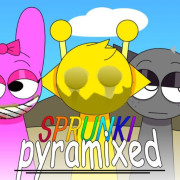
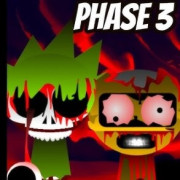
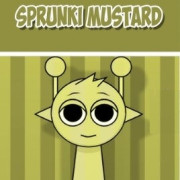
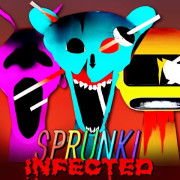
Because most major Sprunki mod families keep the same twenty characters while redrawing their sound packs, these ten recipes travel remarkably well — with one small adjustment per family. In Sprunki Retake and Phase 5–10, distorted Effects carry heavier low-end saturation, so swap out one Melody in favor of a second crisp Beat or soloed vocal space. In Sprunki Pyramixed and Mustard, brighter percussion lets you comfortably run two Melodies (like Mr. Sun plus Durple or Simon) without losing clarity.
When you jump into Swapped or Shifted builds, remember that character faces trade sound roles. Test each character solo for two seconds first, identify which face now holds the kick, bass, melody, and vocal role, and rebuild the exact same 2-1-2-2 (Normal) or 2-2-1-2 (Horror) architecture.
Look up any character's Normal and Horror sound role instantly
Want to swap a single performer inside one of the ten combos above? Use the interactive 20-Character Explorer directly below this guide to filter by Beats, Effects, Melodies, or Vocals, flip between Normal Mode and Horror Mode sound notes, and mark off every character you have mastered in your local Field Guide.
Questions this post answers
What is the best 7-character combo in Classic Sprunki Normal Mode?
The cleanest all-around Normal Mode lineup is Oren, Clukr, Gray, Mr. Sun, Durple, Pinki, and Mr. Fun Computer (2 Beats, 1 Effect, 2 Melodies, 2 Vocals). Every performer sits in a separate frequency pocket with zero mud.
What is the best Horror Mode combo in Sprunki?
For maximum clarity and atmosphere in Horror Mode, combine Fun Bot, Clukr, Gray, Sky, Tunner, Jevin, and Black. If you prefer aggressive energy, swap Sky and Tunner for OWAKCX, Simon, and Wenda.
Why do some Sprunki mixes sound muddy when all 7 slots are full?
Muddy mixes happen when three or more characters fight over the same midrange frequencies — usually by stacking too many Melodies or loud Vocals at once. Stick to a 2-1-2-2 Normal ratio or 2-2-1-2 Horror ratio.
Which two Sprunki vocal characters pair best together?
Pinki and Jevin are the strongest harmonic vocal pairing because Pinki sings bright high notes while Jevin anchors the low bass register. For rhythmic energy, Wenda and Mr. Fun Computer create crisp call-and-response phrasing.
Do these Sprunki character combos work in Retake, Pyramixed, and Phase 3?
Yes. Because Retake, Pyramixed, Mustard, and numbered Phases redraw the core 20-character roster, the same group balance works across all of them. Only Swapped or Shifted mods require checking which face carries each sound role first.